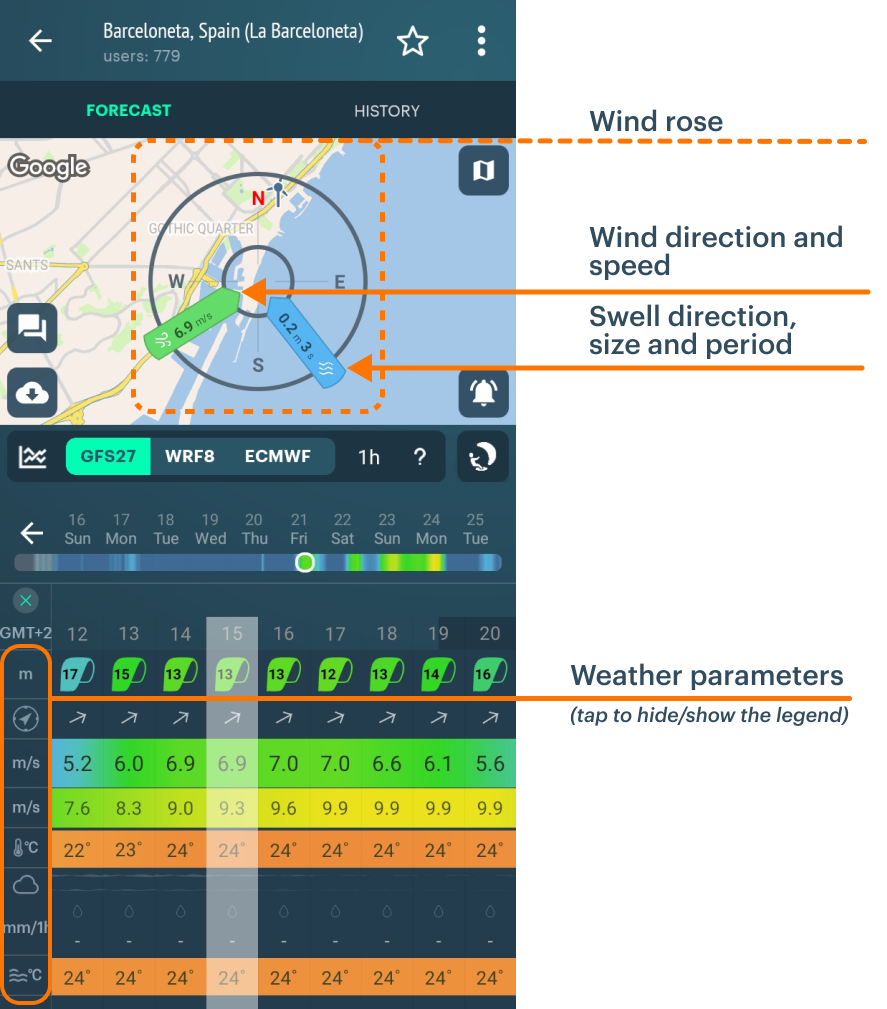
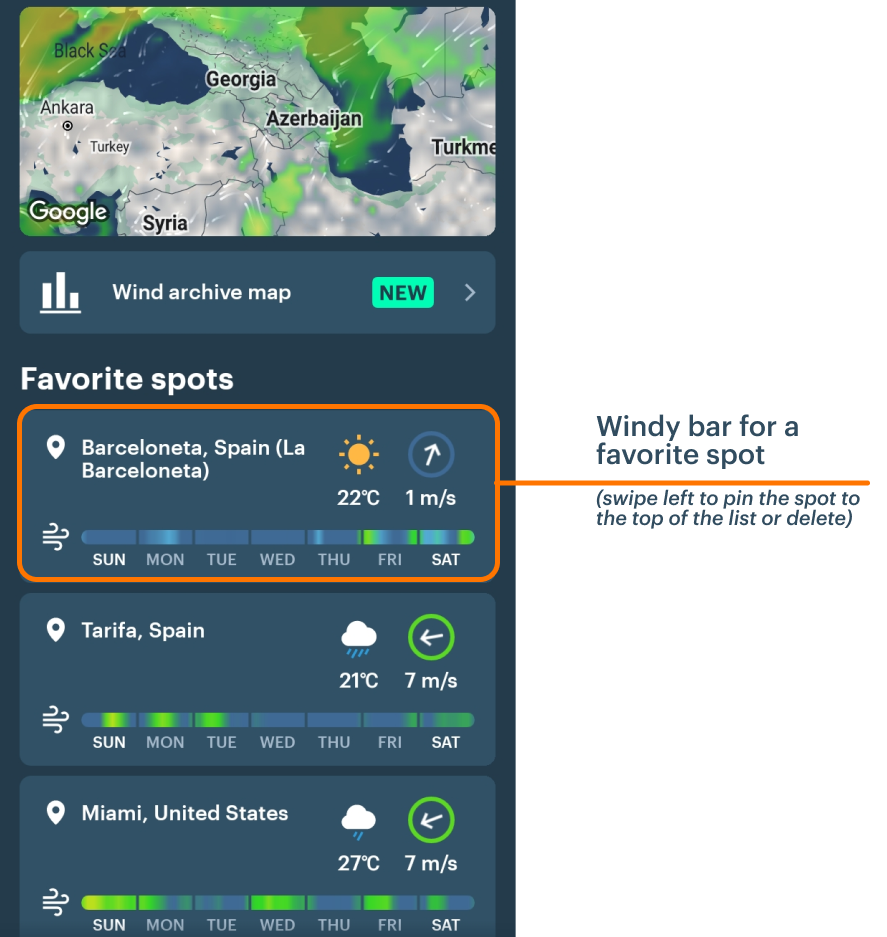
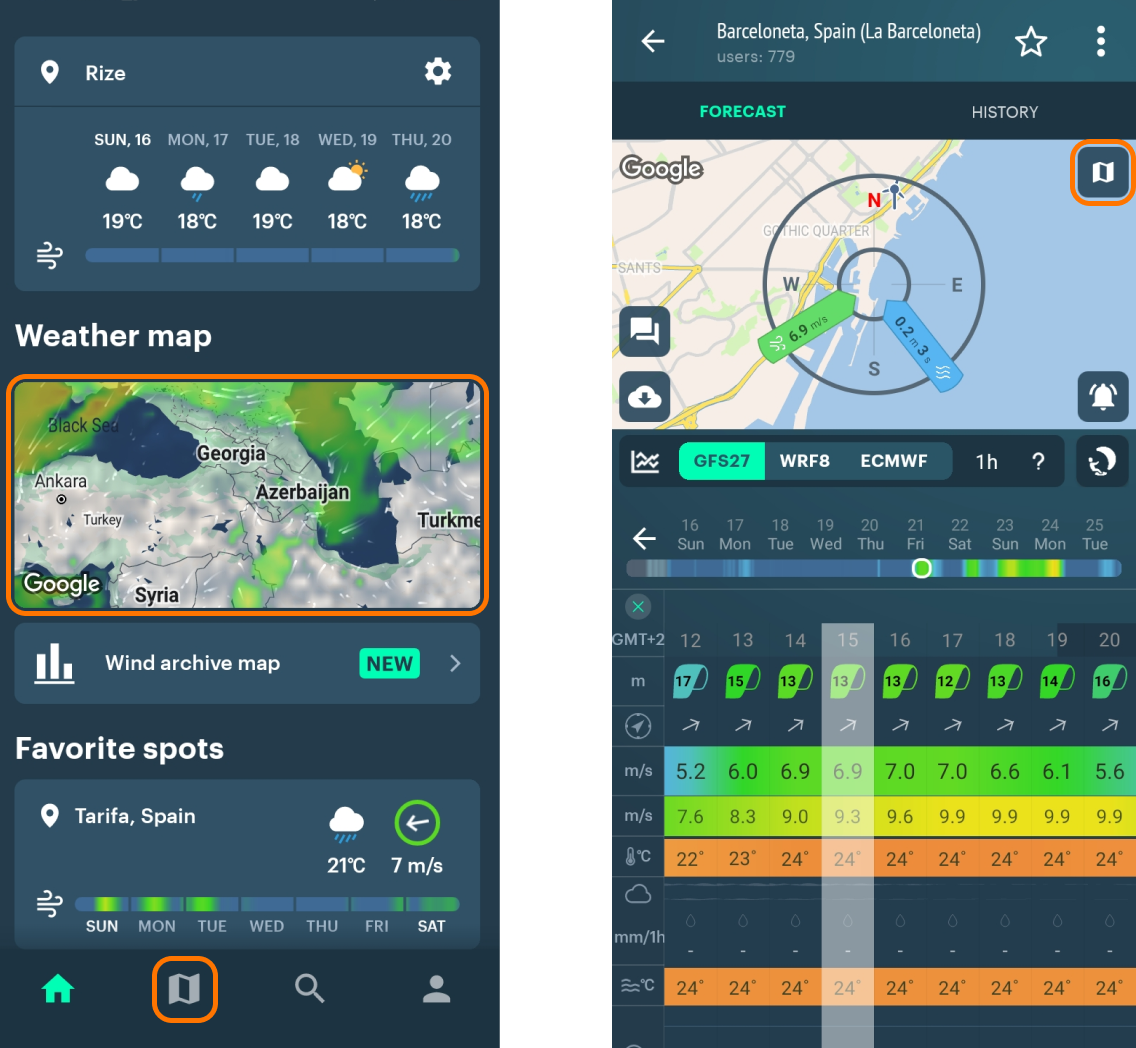
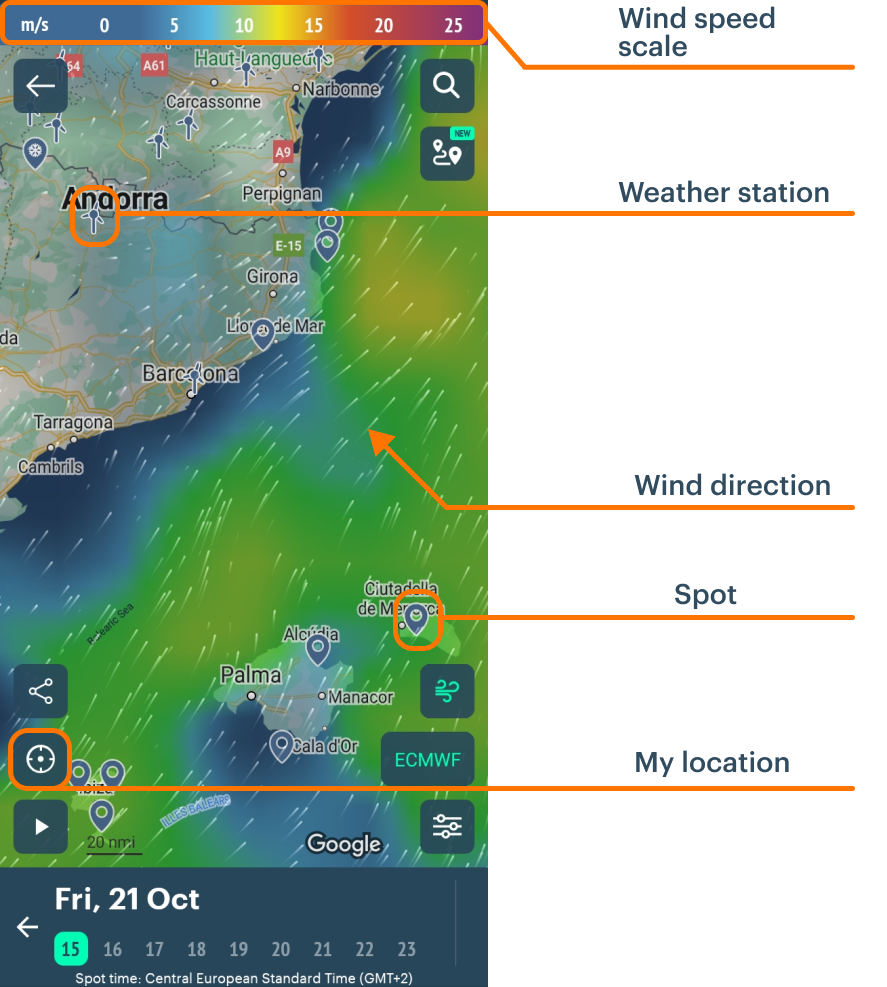
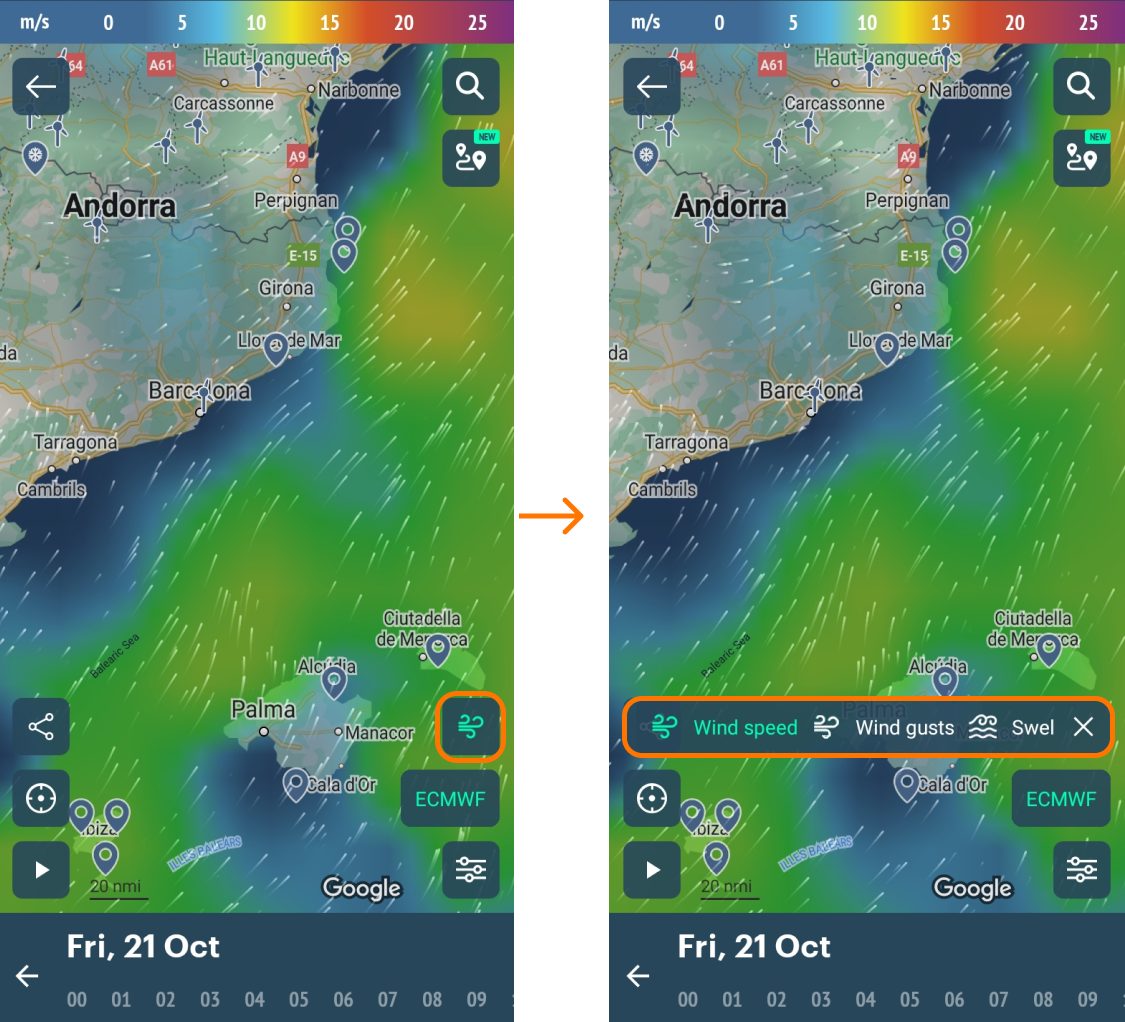
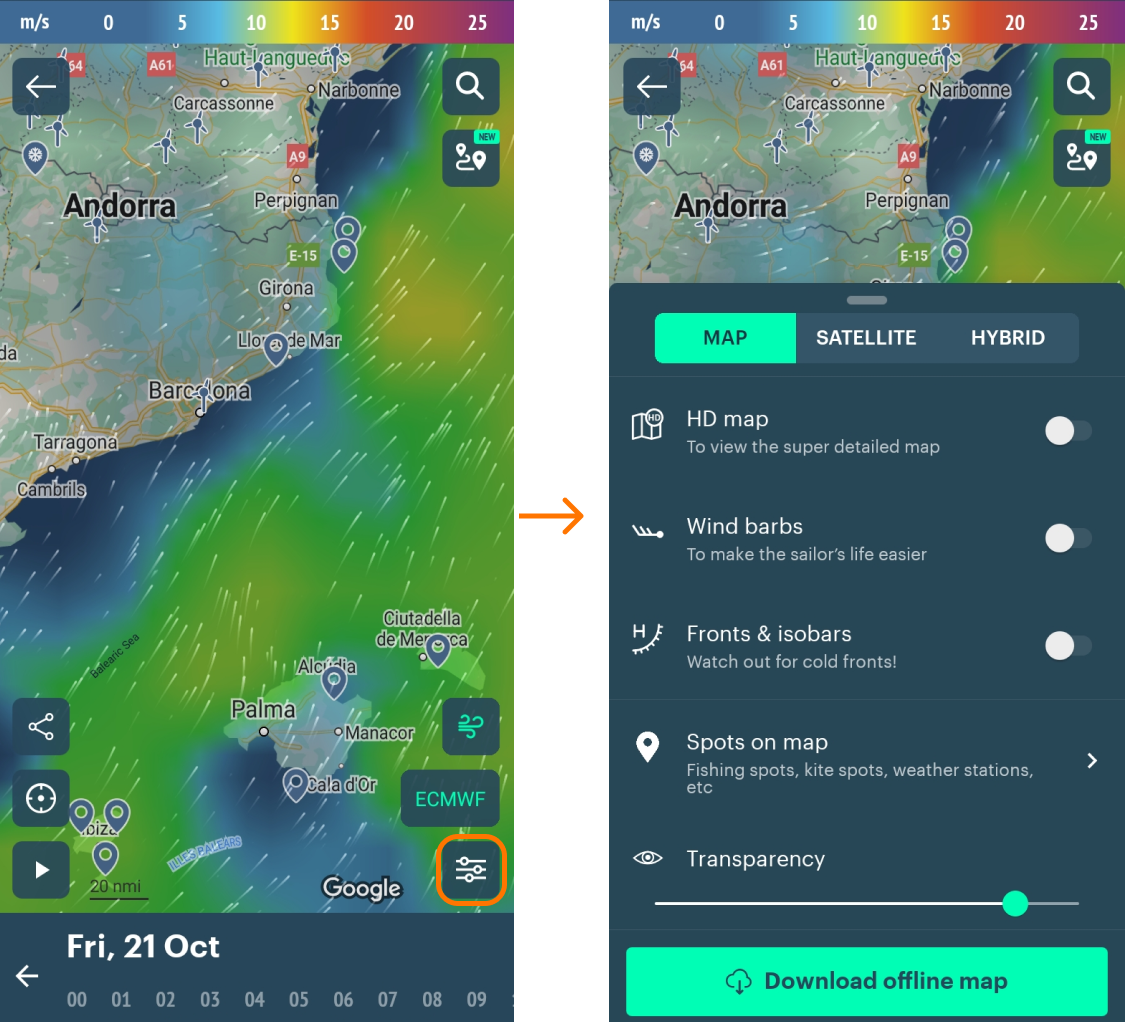
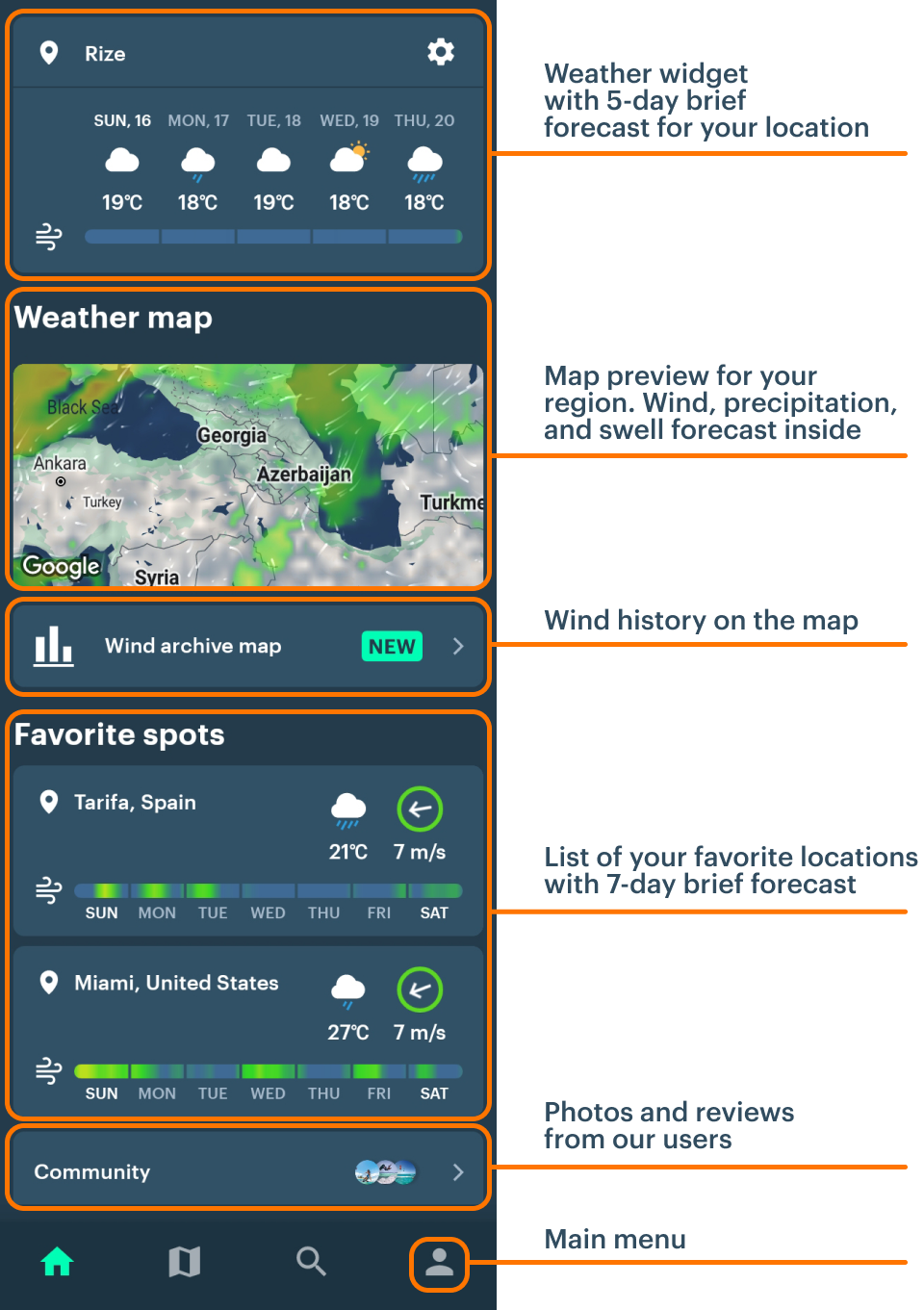
The Home Screen is what you see each time you start the app. It’s all about fast access to features — the weather map, forecasts on favorite spots, etc.
Useful things to start with:
- Allow the app to access your location (turn GPS on). When you do, you’ll be able to see all the features of the home screen, including weather widget, nearest spots and weather stations:
If GPS is off, you’ll be able to turn it on in 1 click in the «Nearest spots» section on the home page.
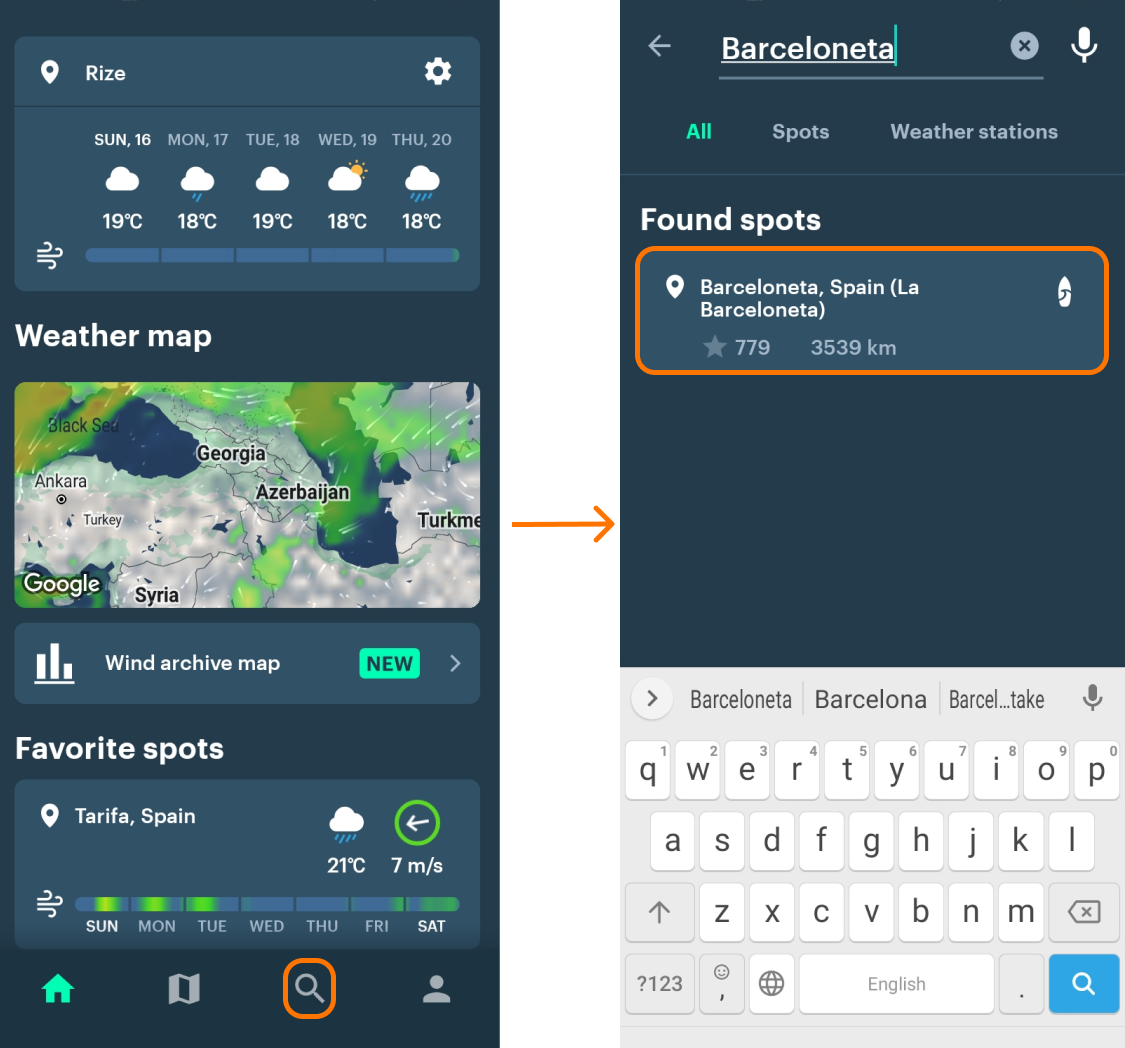
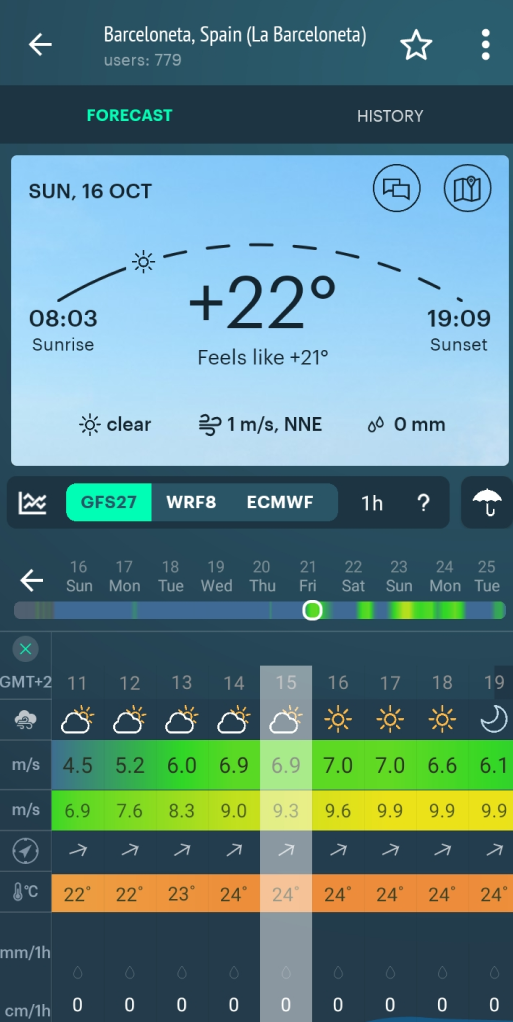
- Find the forecast for a spot (= particular location):
- Tap on the search icon
- Type in the name of the spot.
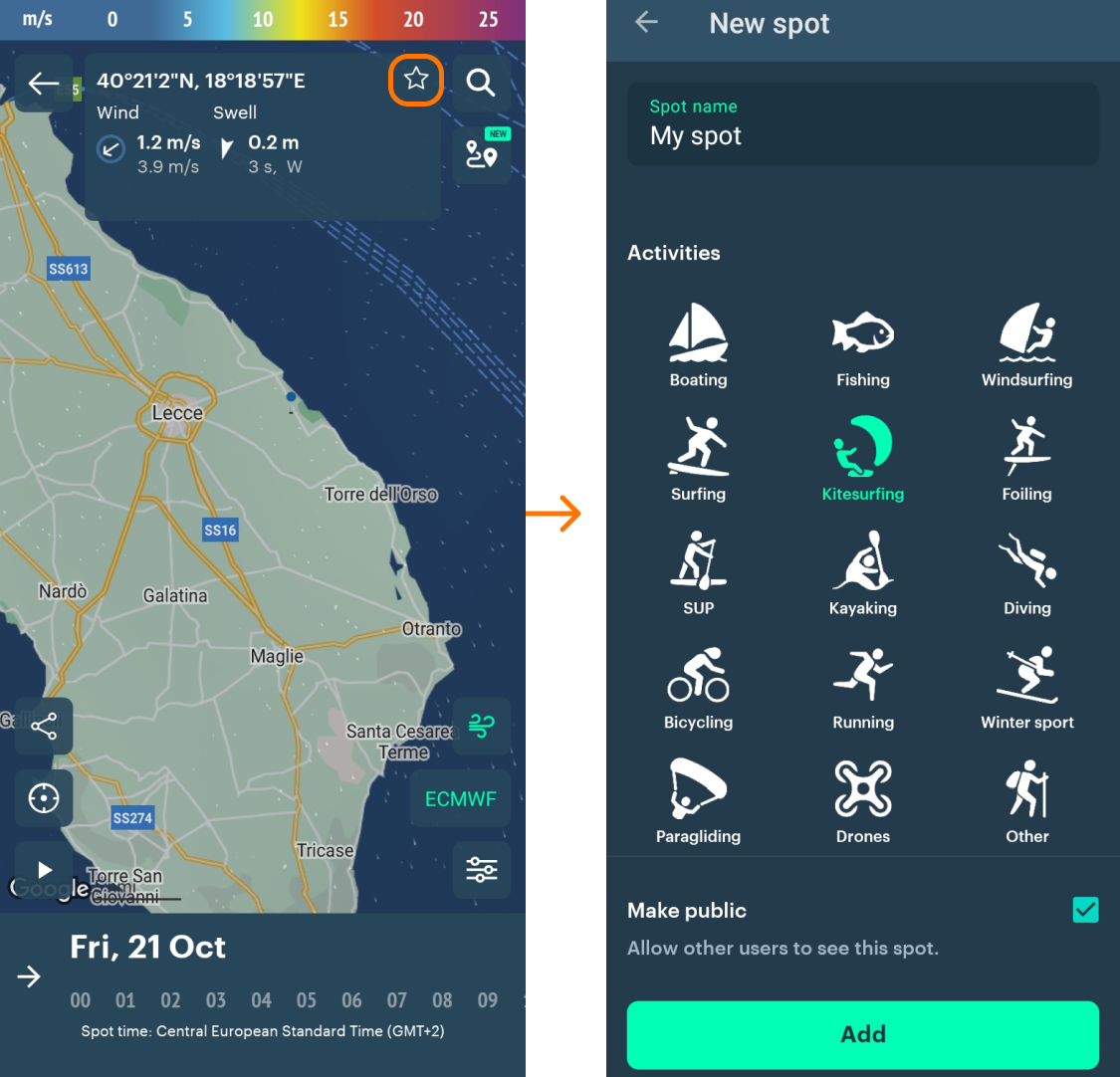
- If it’s not listed, create your own spot .