Share:


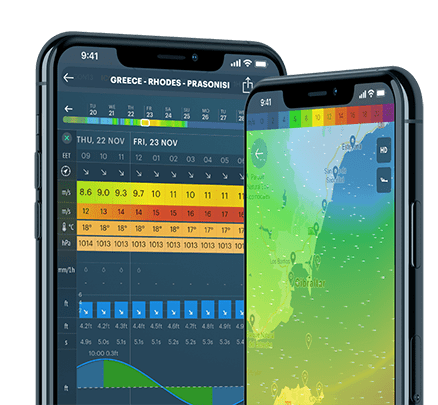
Among 100+ Windy.app features, there are always one or two, or even three small ones that you didn't know about, right? Even if you're a true weather expert using the app. Meanwhile, these may be small, but important features.
For example, you can easily select the measurement units of all weather parameters in the app. Why select units? The U.S. and some other countries still use the Imperial and US customary measurement system, while the Metric system has been adopted worldwide.
Here's exactly how you can do it. Let's take iOS as an example:
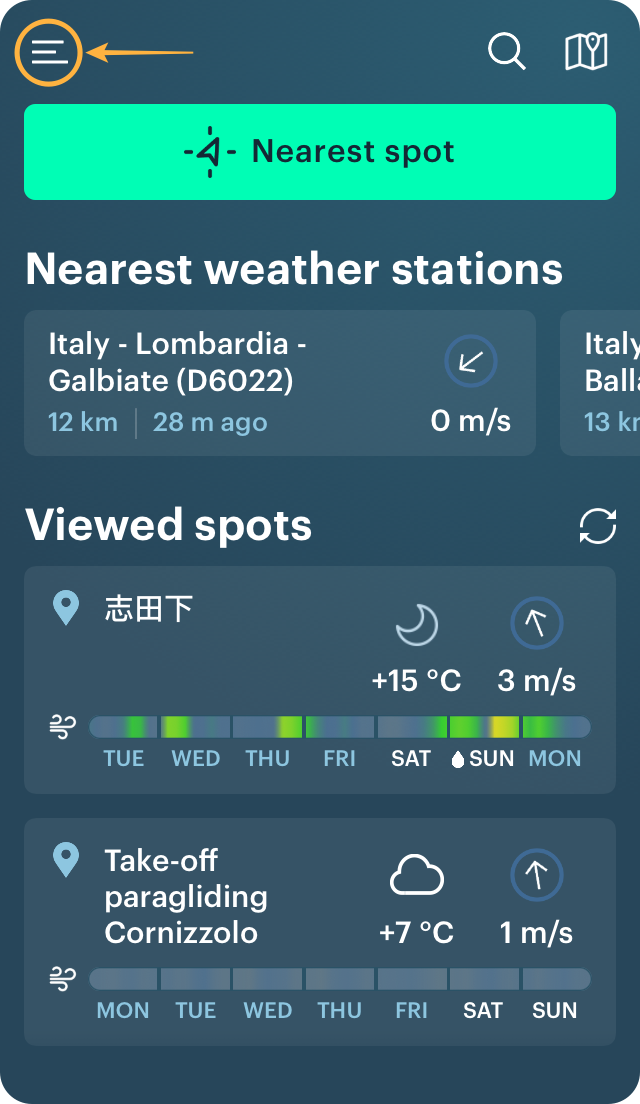
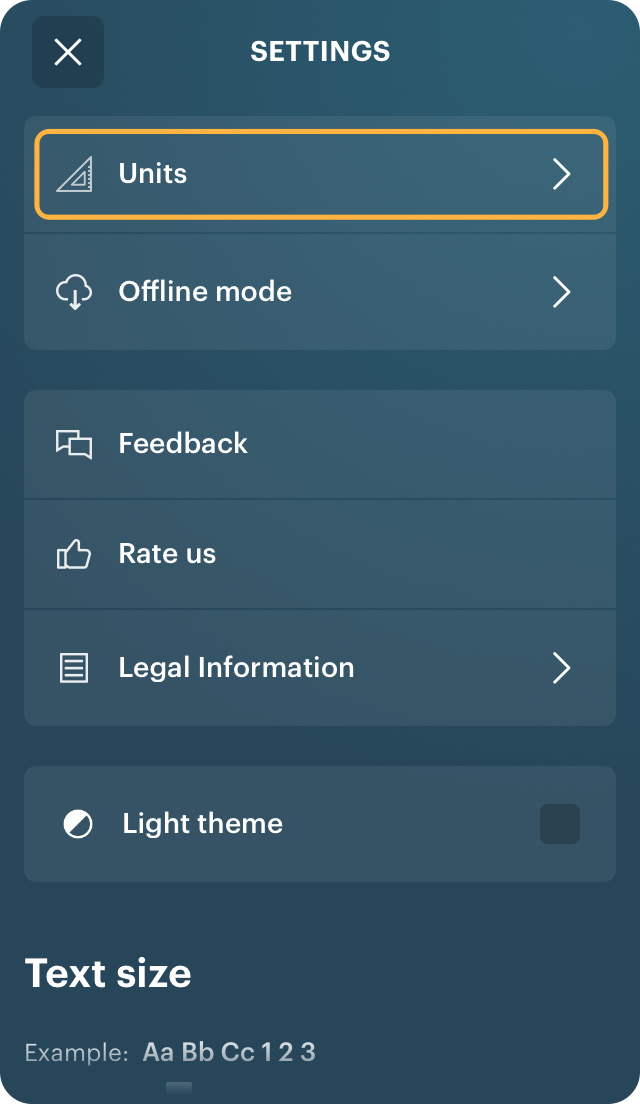
Go to the Main Menu from the Home screen of the app, and from there to Settings and Units.
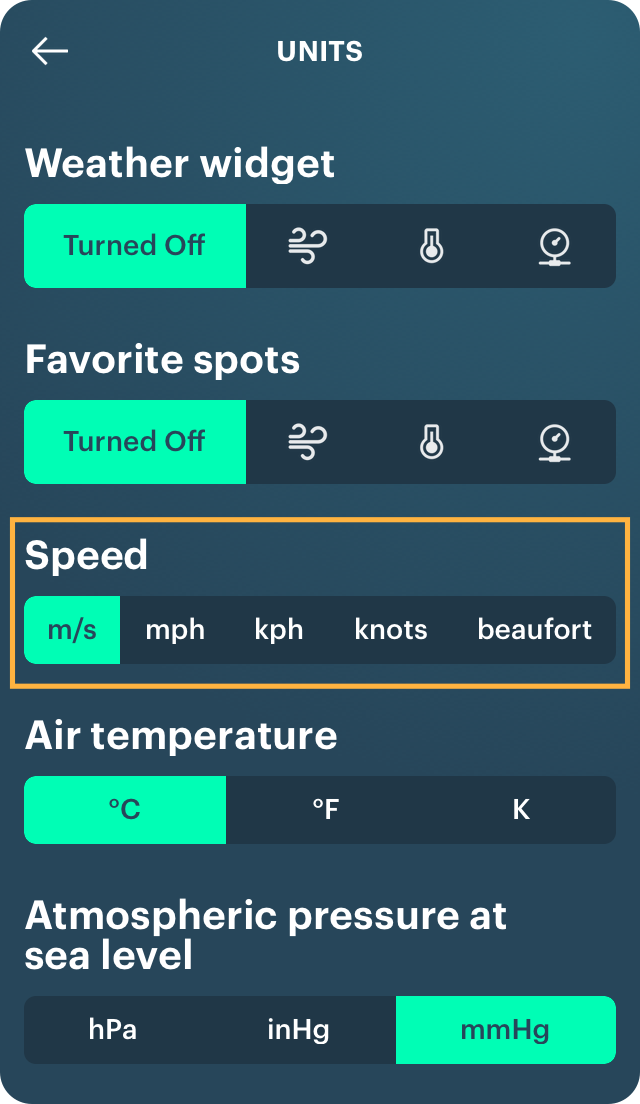
Here you can select:
Learn more about each of the parameters in a special Weather parameters guide.
You can also select units from the spot screen clicking on the three dots in the upper right corner or from the Weather Profiles icon:


Read all useful tips in the Windy.app blog. You can also find them all on the Tips page in the Support section of the website:
Cover photo: Matt-gross / Unsplash
How to share weather forecast with a friend
How to change the colors of the Wind Map
What is Heat Index chart and how to use it for your outdoor activities